


If your business relies on software tools to handle everyday tasks, there is a date you always need to keep on your radar: the “End-of-Life” (EOL) date. A prime example is happening right now: Microsoft Publisher is reaching its official End-of-Life in October 2026. If you have team members using Publisher to whip up flyers, newsletters, or quick marketing templates, October 2026 might sound like a long way off. However, in the IT world, letting an EOL date sneak up on you is one of the easiest ways to cause unexpected downtime, lose critical files, and scramble for expensive last-minute fixes.

I’ve been doing this my entire career, and if there is one thing I’ve learned about the cloud, it’s that the price only ever seems to go in one direction. Microsoft recently announced another round of price adjustments for several of their core business products. I know what you’re thinking; it feels like a subscription tax that hits your bottom line without actually changing the way your computer looks or feels on a Tuesday morning. It’s frustrating.

While data might be the new currency, your own business’ data might be a bit too messy to make full use of. You might be paying to store it and protect it, but you’re not doing as much with your data as you’d like. Here’s how businesses find themselves with these “data graveyards” and why it essentially functions like a debt rather than an asset.
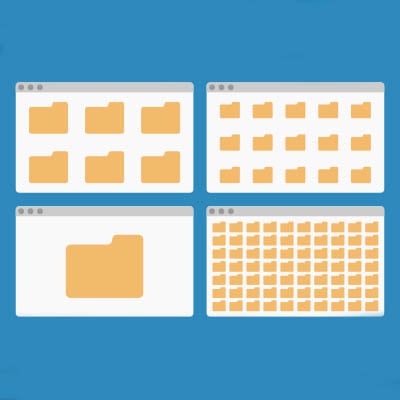
Windows 11 features a robust desktop environment with a lot of neat tricks and customizations to work more effectively. Controlling your Windows desktop experience can enhance productivity and streamline the way you interact with your computer. In today’s blog, we give you four tips to help you customize and manage your Windows environment more efficiently.